it-operations
Local RAG Pipeline with Ollama & Open-WebUI on Your Ne

On This Page (9 sections)
Planning to run quantized DeepSeek, LLaMA 3, or Mistral locally? Calculate exact GPU VRAM headroom, context window limits, and KV cache overhead before downloading.
calculate your exact model VRAM footprint with our toolOur IT team has been running Ollama locally for months — primarily for quick scripting help and runbook generation. But the limitation we kept hitting was the model’s knowledge cutoff. When someone asked it about our internal network topology or our custom monitoring scripts, it had no idea what they were talking about.
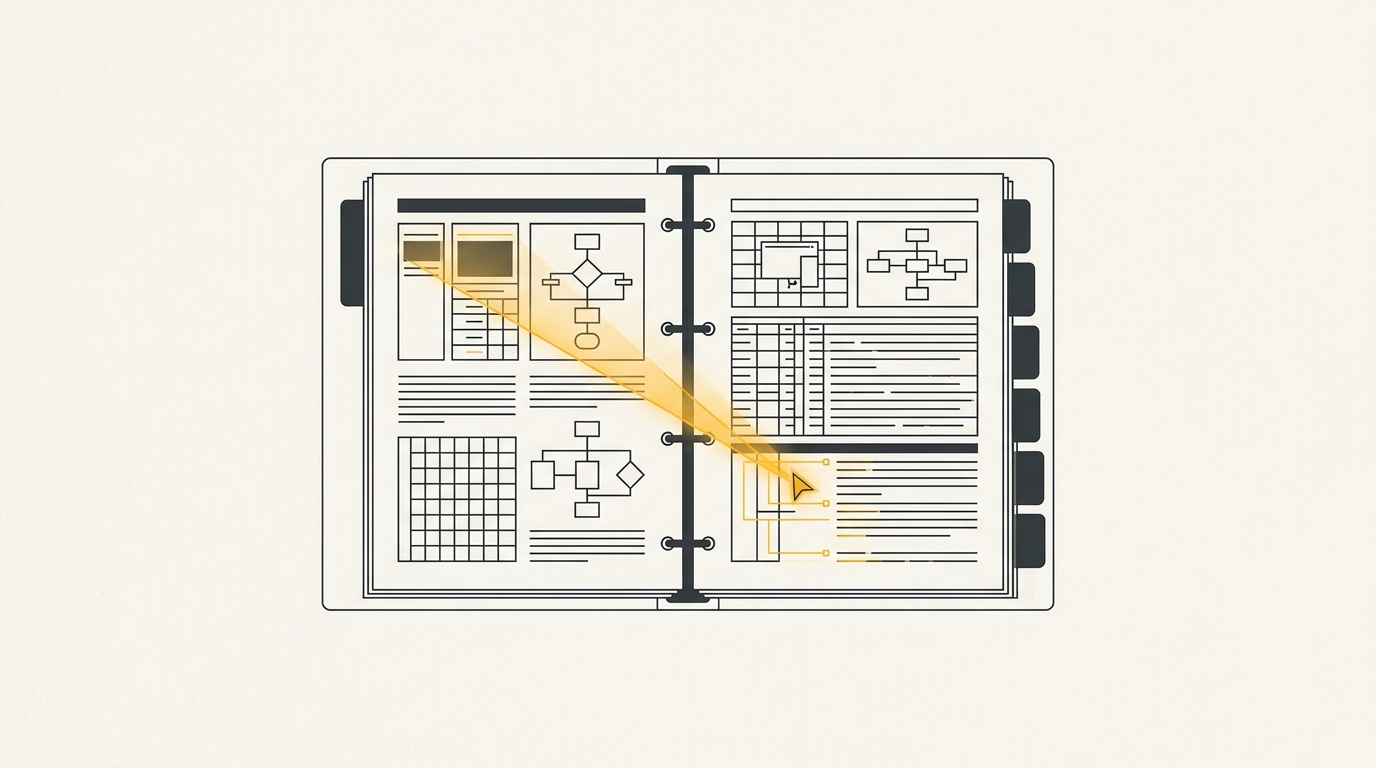
The fix was a proper RAG pipeline. Retrieval-Augmented Generation sounds complex, but in practice it is just giving the model access to a searchable copy of your documents before it answers. We set ours up on a single server in our lab over one weekend. Here is exactly what we did.
1. What We Are Building
The final architecture:
- Ollama — runs the LLM locally (we used
qwen2.5:14bas the chat model andnomic-embed-textfor embeddings) - Open-WebUI — the chat interface with built-in RAG document management
- ChromaDB — the vector store that holds our embedded documents
- Ubuntu 24.04 server — our homelab machine with an RTX 3080
All traffic stays on our local network. Zero data leaves the premises.
2. Install Ollama
Ollama is the easiest part. One script, and it runs as a system service:
# Install Ollama
curl -fsSL https://ollama.com/install.sh | sh

# Verify it is running
systemctl status ollama
ollama --version
```bash

Pull the models we need:

```bash
# Chat model (14B is our sweet spot on an RTX 3080)
ollama pull qwen2.5:14b

# Embedding model (required for RAG document indexing)
ollama pull nomic-embed-text

# Verify both are available
ollama list
```bash

By default, Ollama only listens on `localhost:11434`. To allow other machines on your network to connect (so the Open-WebUI server can reach it if on a separate machine), update the systemd service:

```bash
sudo systemctl edit ollama
```bash

Add:

```ini
[Service]
Environment="OLLAMA_HOST=0.0.0.0:11434"
```bash

Then restart:

```bash
sudo systemctl restart ollama
```bash

## 3. Deploy Open-WebUI with Podman (or Docker)

We use Podman now (migrated from Docker Desktop — that is a whole other article), but the command is identical with Docker:

```bash
# Run Open-WebUI with Ollama connection
podman run -d \
  --name open-webui \
  --network host \
  -v open-webui:/app/backend/data \
  -e OLLAMA_BASE_URL=http://127.0.0.1:11434 \
  -e WEBUI_SECRET_KEY=your-secret-key-change-this \
  --restart always \
  ghcr.io/open-webui/open-webui:main
```bash

Open-WebUI is now running on `http://your-server-ip:8080`. Create your admin account on first access.

## 4. Configure the Embedding Model for RAG

This is the step most tutorials skip. Open-WebUI needs to know which model to use for generating document embeddings — the vectors it uses to find relevant content when you ask a question.

In Open-WebUI:

1. Go to **Admin Panel → Settings → Documents**
2. Under **Embedding Model Engine**, select `Ollama`
3. Under **Embedding Model**, enter `nomic-embed-text`
4. Set **Chunk Size** to `500` and **Chunk Overlap** to `100`
5. Click **Save**

These chunk settings worked well for our documentation. For longer technical runbooks, we increased chunk size to `800`.

## 5. Add Documents to the Knowledge Base

Open-WebUI has a built-in document management interface. Navigate to **Workspace → Knowledge** and create a collection:

- Click **+ New Collection**
- Name it something descriptive (e.g., `IT Runbooks`, `Network Docs`)
- Upload PDFs, Word docs, Markdown files, or plain text files

Open-WebUI automatically chunks, embeds, and stores documents in its ChromaDB instance as you upload them.

For bulk uploading our internal documentation, we used the Open-WebUI API:

```bash
# Get your API key from Open-WebUI: User Menu > Settings > Account > API Key
API_KEY="your-api-key"
SERVER="http://your-server-ip:8080"

# Upload a document to a specific collection ID
curl -X POST "$SERVER/api/v1/knowledge/{collection-id}/file/add" \
  -H "Authorization: Bearer $API_KEY" \
  -F "file=@/path/to/your/document.pdf"
6. Use RAG in a Chat Session
Once documents are uploaded and embedded, using them in a chat is straightforward:
- Start a new chat in Open-WebUI
- Click the + button next to the message input
- Select Knowledge and choose your collection
- Ask your question — the model now retrieves relevant document chunks before answering
You will see a Sources section below the response showing exactly which document chunks were retrieved. This is critical for verifying the model is pulling the right context.
7. The Mistakes We Made
Mistake 1: Using the wrong embedding model. We initially forgot to configure nomic-embed-text and left the default. The RAG results were poor because the embedding model mismatched. Always explicitly set your embedding model to one you have pulled in Ollama.
Mistake 2: Chunks too large for short Q&A documents. Our initial chunk size of 1000 was designed for long prose documents. For short FAQ-style runbooks, it meant entire documents were treated as single chunks. Dropping to 500 with 100 overlap improved retrieval precision noticeably.
Mistake 3: Not setting OLLAMA_HOST for network access. We spent an embarrassing amount of time wondering why Open-WebUI could not connect to Ollama from a different container — until we remembered Ollama defaults to localhost-only.
8. Performance on Our Hardware
For reference, our benchmark numbers on an RTX 3080 (10GB VRAM):
| Model | Tokens/sec | VRAM Used |
|---|---|---|
| qwen2.5:7b | ~48 t/s | 5.2 GB |
| qwen2.5:14b | ~22 t/s | 9.1 GB |
| llama3.1:8b | ~44 t/s | 5.8 GB |
The nomic-embed-text embedding model runs in ~200ms per chunk on CPU offload — fast enough that document uploads feel instant even for 50-page PDFs.
Summary
Our local RAG pipeline now serves 8 people on our team with zero API costs and full data privacy. Documents never leave our server. The setup took one weekend and has been running without maintenance for two months.
The key insight is that the complexity is mostly in the initial architecture decisions — which embedding model, which chunk size, how to structure your knowledge collections. Once those are right, day-to-day operation is just uploading documents and asking questions.
If you are running Ollama already, see our guide on using DeepSeek to build log monitoring scripts and how we automated TLS renewal with DeepSeek for more local AI automation ideas.
Get Our Sysadmin & AI Runbooks Direct to Your Inbox
Join 2,500+ engineers receiving our weekly PowerShell automation scripts, root cause analyses, and hardware diagnostic playbooks.
Frequently Asked Questions: Local RAG Pipeline with Ollama & Open-WebUI on Your Ne
What hardware do you need to run a local RAG pipeline with Ollama?
What is the difference between RAG and just asking an AI a question?
Can I use Ollama RAG without a GPU?
Is Open-WebUI free to self-host?
How does ChromaDB store document embeddings for Ollama RAG?
Official Technical References
- Ollama Official Documentation — Ollama
- Open-WebUI RAG Documentation — Open-WebUI
- ChromaDB Getting Started Guide — Chroma
Add PraveenTechWorld as a preferred source in your Google Search results.
Explore more: Browse all it operations guides or check related articles below.