website-setup
How GA4 Page Tracking Works Behind the Scenes (Step-by
On This Page (10 sections)
Want to stop Google from tracking your phone and browser? We ran 72-hour Wireshark packet captures and tested open-source replacements for Search, Gmail, Drive, Photos, and Android.
read our complete DeGoogle Starter Pack and benchmark dataHave you ever switched from Universal Analytics to GA4 and thought, “Wait, why do my page view numbers look different - You’re not alone! It took us a bit to wrap our heads around it, and our team wanted to share what we discovered about how GA4 tracks page views.
1. Page Views Are Now Events
In Universal Analytics (UA), a page view was this special hit that had its own tracking code and report section. Things are a bit different in GA4 - now, every page view is considered an event. Specifically, it’s a page_view event.
This change is pretty important! In GA4, these events come with parameters that provide extra details. For example, every time someone loads a page, a page_view event is triggered with information like:
page_location: the full URL of the pagepage_title: what’s displayed in the browser tabpage_referrer: where the visitor came from
These parameters can be really handy for your reports and custom analyses, giving you insights that UA didn’t quite offer.
2. Enhanced Measurement Covers Most Needs
One of the cool features of GA4 is enhanced measurement. This means that if you’ve got the basic GA4 tag installed, your page views are tracked automatically - no extra coding required!
To check if enhanced measurement is activated, just follow these steps:
- Head to Admin > Data Streams in GA4.
- Click on your web data stream.
- Look for “Enhanced measurement” and make sure it’s enabled.
- Inside, confirm that “Page views” is checked.
If you’re noticing zero page view data, our team suggests starting with the GA4 troubleshooting guide before digging deeper into your setup.
3. How Sessions and Page Views Work Together
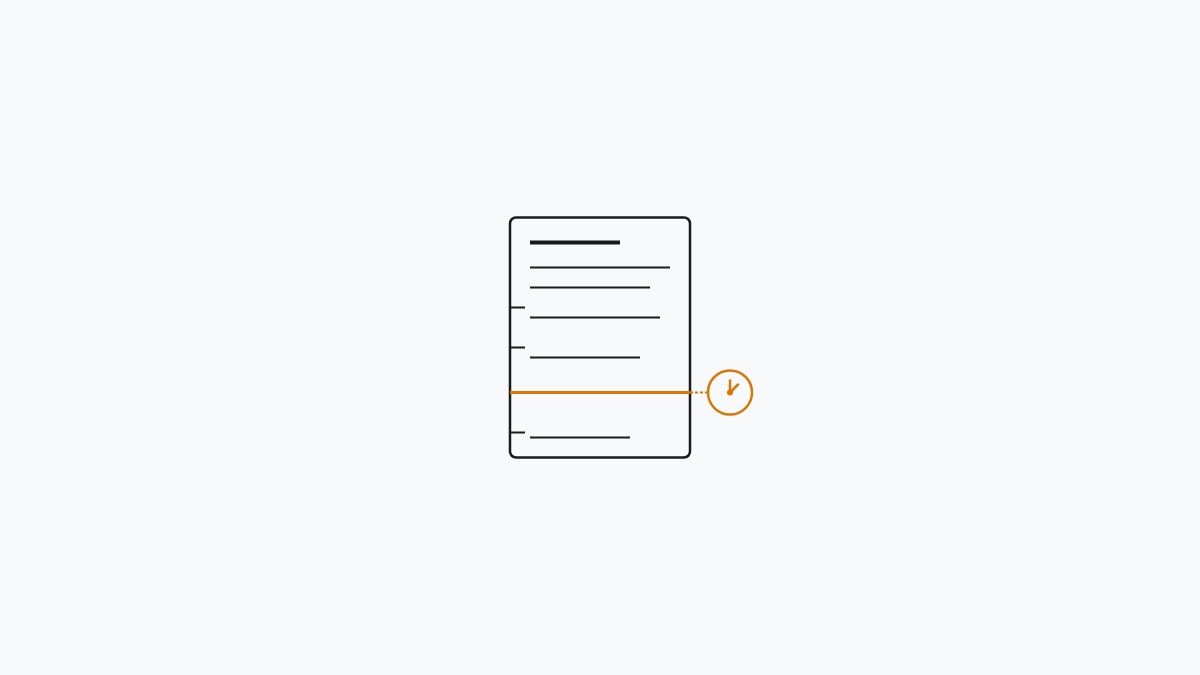
Here’s where GA4 really shakes things up compared to UA. In UA, a session had this strict 30-minute window. If someone left your site for more than 30 minutes, it was considered a new session when they returned.
In GA4, a session still ends after 30 minutes of inactivity, but page views are tracked independently. This means one session can have multiple page views, and a single page view can even start a new session!
So, while you might find that GA4’s page view totals are roughly in line with UA’s, session metrics might differ because of this upgraded tracking model. It’s kind of normal, so it’s best to compare GA4 data to itself over time rather than to your old UA numbers.
4. Page Tracking for Single Page Applications
If your site runs on JavaScript frameworks like React or Vue, and loads content without full page reloads, GA4’s automatic page tracking might miss some “page views.” This happens because the browser doesn’t trigger a new page load event; it just swaps out content.
To fix this, you’ll want to send custom page_view events in your SPA router. Whenever the URL changes, you can call:
gtag('event', 'page_view', {
  page_location: window.location.href,
  page_title: document.title
})
Our team had to implement this on a client’s Next.js project, and without it, GA4 was only tracking about 60% of the actual page views.
5. Common Page Tracking Problems
Here are a few issues you might run into:
Duplicate page views. If you see double counts, check if the GA4 tag is installed twice. This can happen if you added it manually and through Google Tag Manager, or if you have both a plugin and manual code.
Missing page titles. If your reports show “(not set)” for page titles, it’s likely because the page_title parameter isn’t being populated. Make sure your page has a proper title tag and that the GA4 tag fires after the title is set.
Wrong page paths. If URLs look strange in reports, your site might be using hash-based routing or query parameters that confuse GA4. You can use the page_path parameter override in your tracking code to tidy up URLs.
For more on utilizing GA4 data for content optimization, check out the GA4 content strategy guide. If your numbers seem way off, the GA4 for beginners guide is a great resource for getting back on track.
6. Frequently Asked Questions
Q: Why does GA4 show fewer page views than Universal Analytics’
A: GA4 tends to filter out spam and bot traffic more aggressively than UA did, and it’s also got a different session model. A difference of 5-15% is pretty normal. If it’s significantly larger, you might want to check for issues like missing enhanced measurement or duplicate tags.
Q: Can I track PDF downloads as page views in GA4’
A: GA4 treats file downloads as separate events, not page views. Enhanced measurement does track downloads as file_download events automatically, which you can report on separately or combine with page views in a custom exploration.
Q: Does GA4 track page scrolls as part of page views’
A: Nope! Scrolls are tracked as separate scroll events via enhanced measurement. A page view fires once when the page loads, while scroll tracking shows how much of the content people actually read. Each has its own purpose.
Q: How long does it take for page view data to appear in GA4 reports’
A: Standard reports usually update within a few hours, while real-time reports show data instantly. If you set up tracking today, expect to see meaningful data in 24 to 48 hours. Processing delays can happen.
Q: Can I use both UA and GA4 page tracking at the same time’
A: Yes, and it’s actually a good idea during the transition! They use separate tracking codes and won’t interfere with each other, allowing you to compare data and build history in GA4 before UA stops processing new data.
7. Comparing GA4 Page Views Across Reports
For the most accurate page view counts for analysis, check the Engagement > Pages and Screens report after 24-48 hours of processing.
8. Debugging Your Page Tracking Implementation
If your page tracking isn’t working, here’s a quick checklist to follow:
-
Is the GA4 tag actually loading’ You can use the GA4 DebugView extension or Chrome DevTools to see if the gtag script is loading and firing events.
-
Are events showing up in DebugView’ Head to GA4 > Admin > DebugView. If you see events from your device, tracking is working. If not, the tag might not be installed correctly.
-
Is enhanced measurement enabled’ Go to Admin > Data Streams and check if Page Views is checked under Enhanced Measurement.
-
Is there a filter excluding your traffic’ Double-check for any internal traffic filters that might be accidentally excluding your data. Look under Admin > Data Settings > Internal Traffic.
-
Is consent mode blocking tracking’ If you’re using Consent Mode v2 and users deny analytics cookies, GA4 might not fire. Our team added a cookie consent banner that only blocks tracking if explicitly declined.
For a complete walkthrough of fixing GA4 tracking issues, the GA4 troubleshooting guide has a lot of great insights.
9. Page Tracking in the GA4 Data Model
Understanding how GA4 stores page view data can help you interpret your reports more effectively. When a page_view event triggers, GA4 records:
- The event name (
page_view) - Event parameters (
page_location,page_title,page_referrer) - User identity (anonymous or logged-in)
- Session information
- Timestamp
This data flows into GA4’s event-based schema, which is different from UA’s separate table for page views. In GA4, everything is treated as events in a single data stream.
You can query this data using GA4’s Explorations or export it to BigQuery for more advanced analysis. The BigQuery export includes raw event data with all parameters, which can be super helpful for creating custom reports that the GA4 interface doesn’t support.
If you’re interested in tracking and measuring website performance, don’t miss the technical SEO checklist and the website speed upgrades guide.
What about you? Have you faced any challenges with GA4’ Our team would love to hear your experiences!
References & Further Reading for How GA4 Page Tracking Works Behind the Scenes (Step-by-Step)
Get Our Sysadmin & AI Runbooks Direct to Your Inbox
Join 2,500+ engineers receiving our weekly PowerShell automation scripts, root cause analyses, and hardware diagnostic playbooks.
Frequently Asked Questions: How GA4 Page Tracking Works Behind the Scenes (Step-by
Why does GA4 show fewer page views than Universal Analytics?
Can I track PDF downloads as page views in GA4?
Does GA4 track page scrolls as part of page views?
How long does it take for page view data to appear in GA4 reports?
Can I use both UA and GA4 page tracking at the same time?
Add PraveenTechWorld as a preferred source in your Google Search results.
Explore more: Browse all website setup guides or check related articles below.